
The Manual Way
- Website leads scattered across inboxes
- Repetitive data entry
- Manual CRM updates
- Follow-ups dependent on staff availability
- Repeated appointment reminders
- Disconnected reporting
- Difficult-to-track process errors
AI AUTOMATION • CRM WORKFLOWS • BUSINESS EFFICIENCY
Stop spending valuable time on repetitive business tasks. GT Solutions helps Orlando businesses automate lead capture, CRM updates, customer follow-ups, scheduling, and internal workflows—using reliable automation and AI where it adds real value.
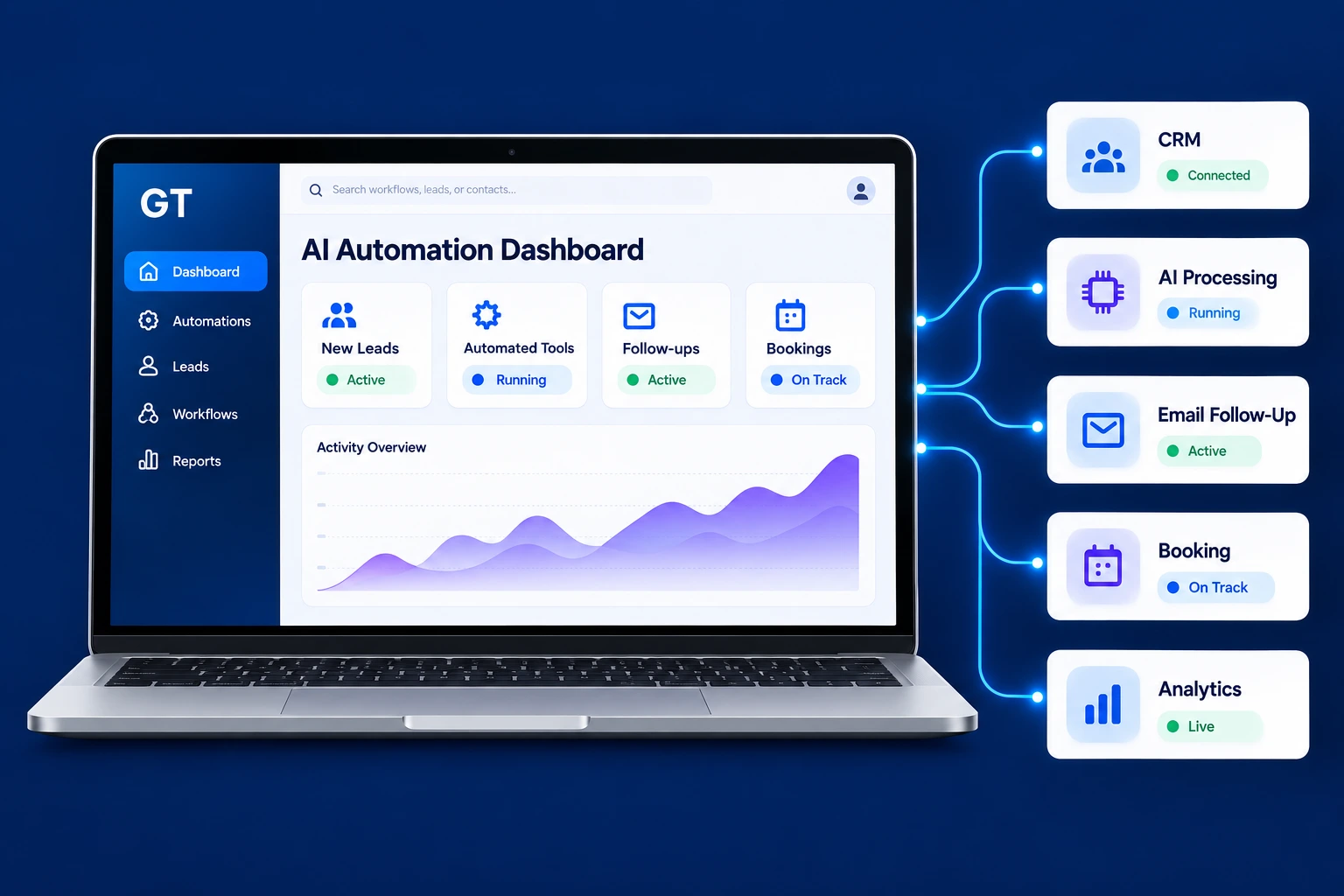
Repetitive tasks, scattered information and missed handoffs can slow your team down. Start with one defined workflow and connect the tools involved.
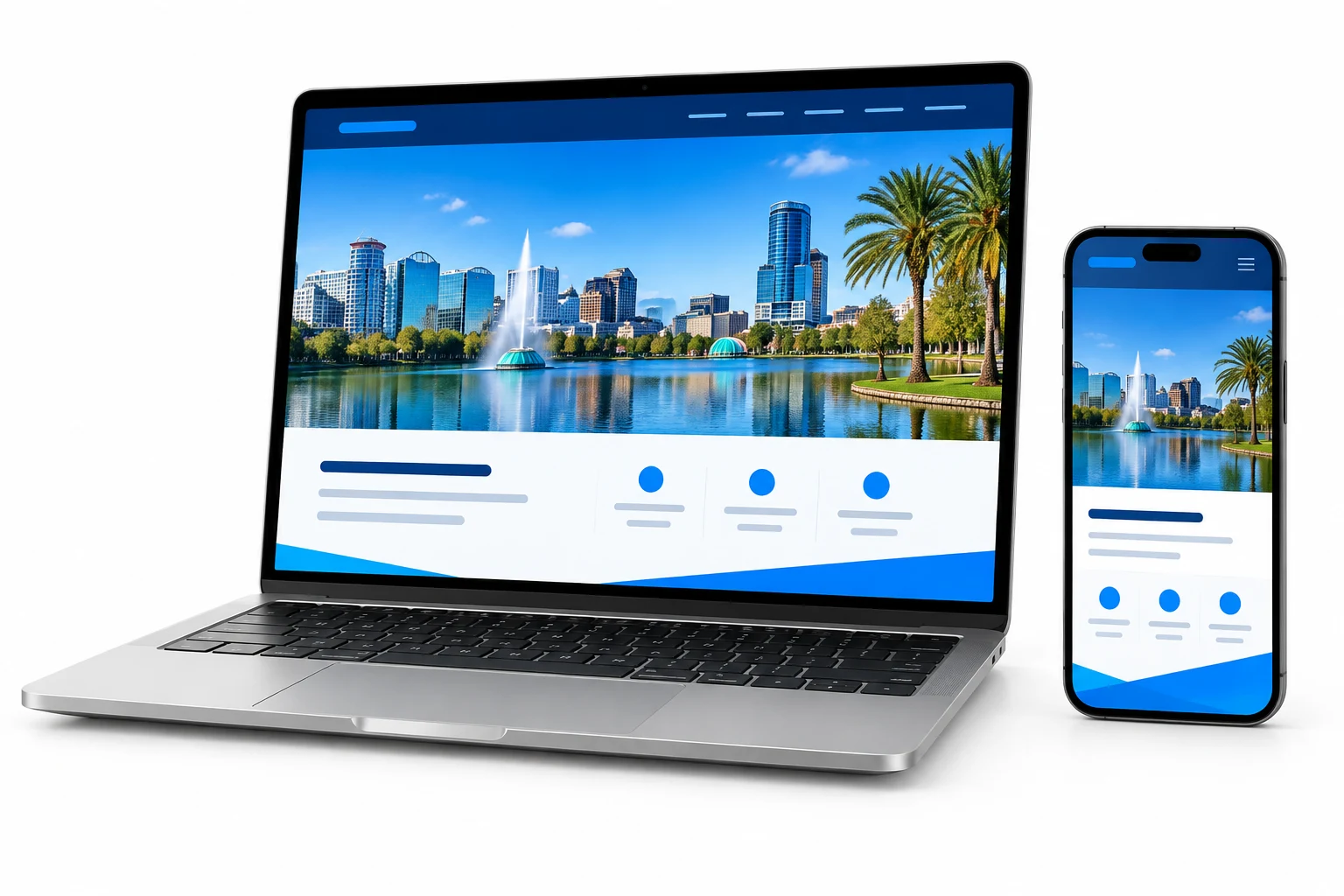
These are possible workflow improvements, not guaranteed results. Not every task can be automated, and automation does not replace necessary staff judgment.
Practical connections for your website, customers and business systems.
Connect website forms with CRM systems and route leads according to defined business rules.
Explore ServiceSet up approved communication workflows with timing, consent, opt-out management and human oversight.
Explore ServiceConnect enquiries, calendars, appointment requests, confirmations and reminders where supported.
Explore ServiceUse AI to summarize enquiries, classify messages and organize approved information.
Explore ServiceConnect supported store events, order updates, customer communications and operational systems.
Explore ServiceOrganize data from approved sources into useful reporting views and operational summaries.
Explore ServiceConnect a website enquiry to the next appropriate action.
Automation
Zapier, Make and n8n
CRM
HubSpot, Salesforce and compatible CRMs
Website & eCommerce
WordPress, Shopify, WooCommerce, Webflow and Lovable
AI applications
Approved model integrations and OpenAI-powered services
Customer communications
Email providers and permission-based messaging services
Scheduling
Calendly and supported calendars
Analytics
GA4, Google Tag Manager and reporting dashboards
Examples of tools to evaluate—not official partnerships or promises of native compatibility. Connections depend on APIs, account permissions, provider plans, privacy requirements and testing. Payment-related actions need separately approved controls.
Illustrative Orlando business scenarios—not verified client projects.

Appointment enquiry routing, administrative reminders and approved scheduling processes with appropriate privacy safeguards.

Capture quote requests, organize lead details, route enquiries and create staff follow-up tasks.

Route order-related enquiries, connect customer information and organize approved support notifications.

Coordinate enquiry intake, scheduling, document routing, internal assignments and routine reporting.
A proposed workflow that can be scoped to your tools and approval requirements.
A customer submits the website form.
Required information is checked.
AI optionally summarizes the approved enquiry text.
A customer record or staff task is created.
An approved internal notification is delivered.
Results and exceptions appear in the dashboard.
Staff review and authorization can be built into relevant stages. AI receives only information approved for that purpose, and the team retains a manual fallback.
Choose one frequent task, define the trigger and make the completed result testable.
Identify a frequent, well-defined business task and who owns it.
Document triggers, required data, approvals, exceptions and expected actions.
Implement suitable integrations and the agreed automation workflow.
Validate normal processing, failures, permissions, notifications and manual fallbacks.
Review errors, provider usage and operational performance before expanding.
The simplest reliable solution comes first.
Use defined permissions, data minimization and human approval for sensitive actions. AI can be wrong; review exceptions and avoid unsupported customer commitments.
Potential benefits depend on your starting process, implementation and ongoing operation—not invented savings figures.
Search optimization complements automation; it is not an automatic result of connecting tools.
Technical website optimization, useful content and search accessibility.
Clear answers to customer questions and well-structured content.
Consistent, original and trustworthy information for AI-assisted search understanding.
Automation alone does not improve Google rankings or guarantee inclusion in AI answers.
WHY GT SOLUTIONS
GT Solutions brings website development, CRM and API integrations, eCommerce, AI-assisted applications, analytics, conversion optimization and search expertise together. We scope the workflow, explain limitations and test the customer journey.
Our confirmed work for Flight Dental Systems included website redesign, email marketing and AI chatbot setup. This demonstrates related digital services; no specific automated workflow, savings or performance result is claimed.
Visit Flight Dental SystemsBased at 6621 Crenshaw Drive, Orlando, FL 32835. Ongoing technical support is available within an agreed scope.
Business automation connects defined triggers and actions between your tools. AI-assisted automation adds interpretation, such as summarizing or classifying enquiry text, when that is useful. GT Solutions starts with your actual workflow, required information and the person responsible for exceptions.
We can assess lead routing, CRM updates, appointment reminders, order-related notifications, internal tasks and reporting. AI may help with unstructured text, while fixed rules handle predictable actions. Available APIs, permissions, privacy requirements and provider plans determine what can be implemented.
No. Ordinary rules are often the simplest reliable choice for data transfers, reminders and routing. AI is considered when interpretation or summarization is needed and its risks can be controlled. Human review remains important for sensitive decisions and commitments.
We can assess your forms and receiving systems, then map required fields, routing rules and duplicate handling. Testing should confirm that the right information arrives, staff receive approved notifications and failed requests are visible. The supported scope depends on your website and CRM.
HubSpot connections can be evaluated where the required APIs, account permissions and subscription features are available. We confirm field mapping, access requirements and the intended workflow before agreeing to implementation. Mentioning the platform does not imply an official partnership or universal compatibility.
We can review the store events and CRM actions you need, available integration methods and provider restrictions. Customer data, order updates and communication permissions must be handled appropriately. Supported connections are confirmed after reviewing your specific accounts and project.
Yes. Approval stages, escalation and manual review can be built into the agreed workflow. Customer-facing messages need approved wording, consent and opt-out handling. AI should not make unauthorized promises, change charges or confirm bookings without the appropriate controls.
A focused workflow can be suitable when the task is frequent, clearly understood and worth maintaining. Begin with one practical use case rather than a long list of tools. The assessment compares ordinary automation with AI assistance and considers provider costs and your team’s capacity.
Pricing depends on the systems, workflow complexity, data handling, custom development, testing and ongoing support. A free initial assessment helps identify priorities for a scoped proposal. Platform subscriptions and model or provider usage may be separate; no universal price or guaranteed saving is claimed.
Timing depends on access, supported APIs, workflow complexity, approvals and testing requirements. We confirm an implementation plan after reviewing those dependencies. A simple connection and a multi-system process with sensitive information require different levels of work.
The plan should include error visibility, handling of missing or duplicate information and a manual fallback. We test unavailable services and failed notifications as well as successful processing. Your team should know who owns an exception and how to complete the task safely.
Monitoring, troubleshooting and continued development can be included in an agreed support scope. Reviews can cover delivery failures, data quality, provider usage and changes to connected services. Support does not imply unlimited work, zero errors or a guarantee of specific business results.
Tell us which repetitive tasks slow down your team. We’ll review your existing process, tools, and requirements, then recommend a practical next step.
This requests a team review, not an instant completed assessment. Do not send passwords or private customer information.
(407) 528-6553
Connect your systems, improve your workflows, and introduce practical automation with GT Solutions Orlando.